01
Install and connect your account
Install Roast Pi and connect the account you will use to start roast records.
- Open the web Download page, get the installer for your operating system, and install the app.
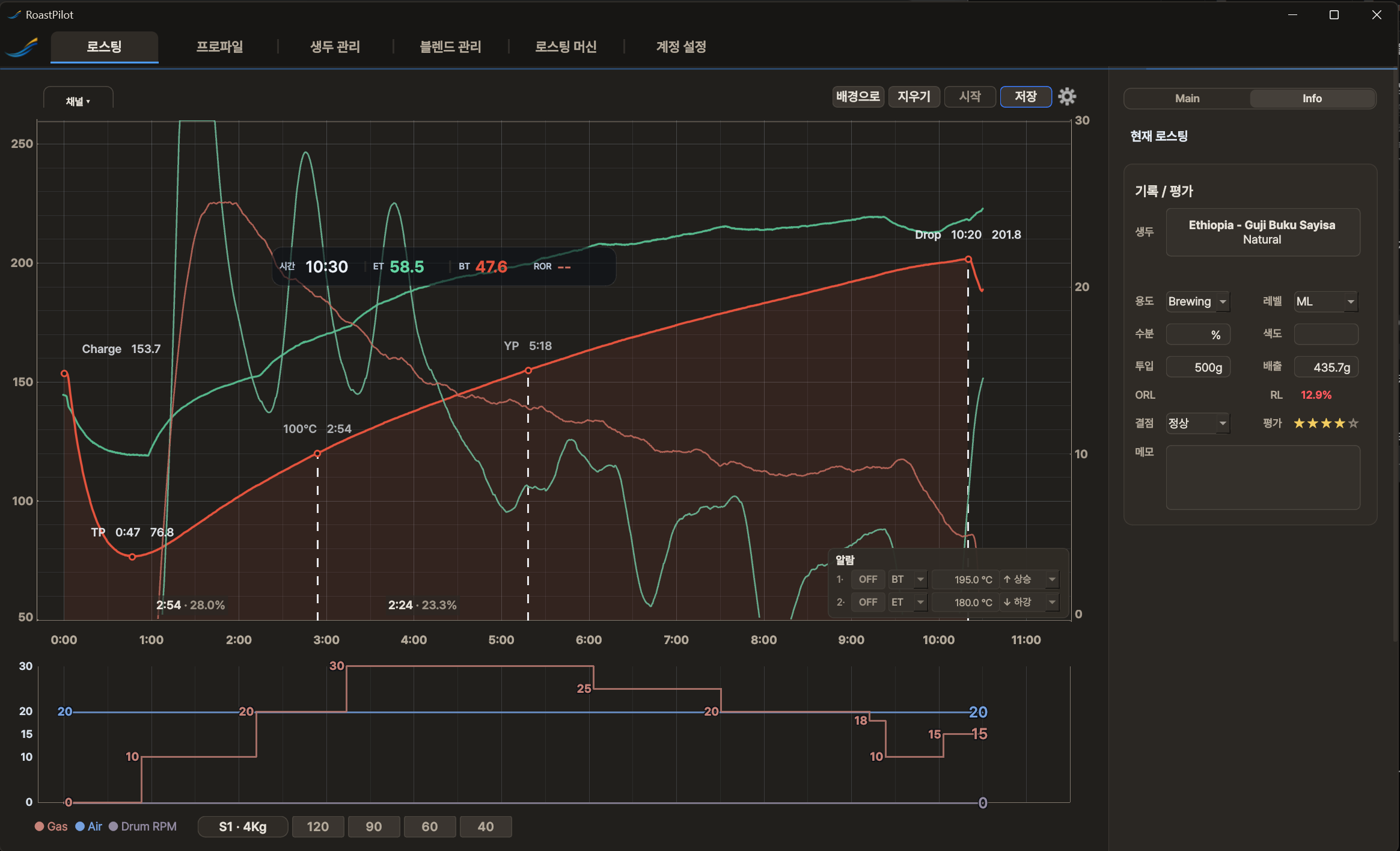
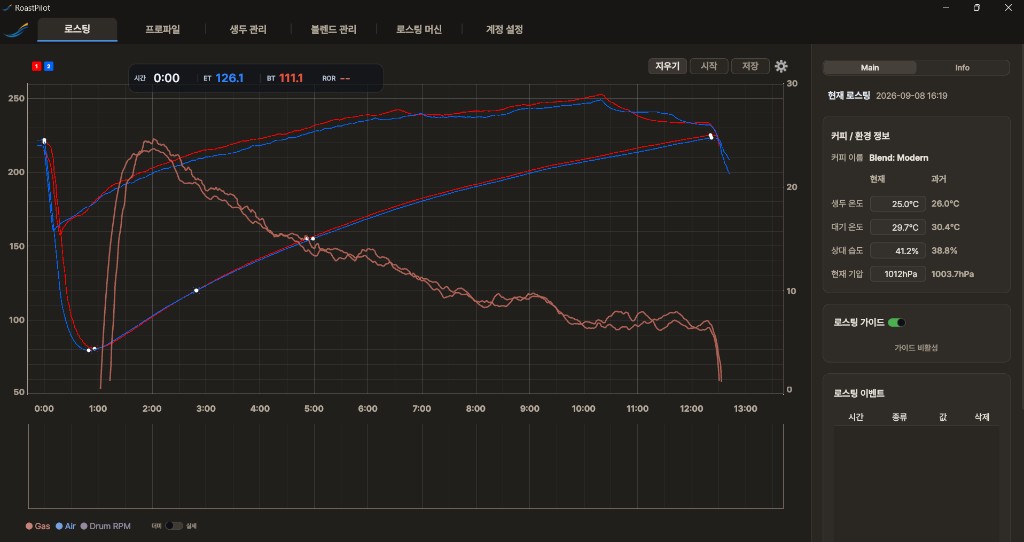
- When the app opens, the Roasting tab appears at the top. You can explore Roasting Machine registration and Profile comparison without signing in.
- To start recording a roast, open Account Settings → Connect Web Account and connect your web account to the app. If you do not have an account, use the No account? Sign up on the web link.
Completion check
When Account Dashboard and Usage appear in Account Settings, you are ready to press Start for a roast.